

If you’ve ever been browsing the web and come across a site you like, you may have found yourself asking what WordPress theme is this site running? It’s something I often do when I see a great web design.
If you’re struggling with the vast number of WordPress themes available and you’d like to choose one you’ve seen working in the real world (not just a demo), finding out which theme is being used could save you loads of time.
In this blog post I’ll share with you how to check which WordPress theme a site is running.
Estimated reading time: 6 minutes
How to check what WordPress theme a site is running
There are 2 ways to check to see what theme is being used on a WordPress website. You can either use an online tool, or you can manually check the code. Checking the code doesn’t mean you need any previous coding experience.
You should also bear in mind, when looking to see what WordPress theme a site is running, that larger sites may have a custom theme developed just for them. So it might not always be the shortcut you want.
Online theme checker tools
There are loads of WordPress theme checker tools online and they all work in a similar way. You load up the site, enter the URL of the site who’s theme you want to know, and within a few seconds you’ll know.
If the theme is one that the tool recognises, it will usually link to it so you can check out more info. If the site you’ve checked has a theme that the tool doesn’t recognise, all is not lost, Google it and see if you can download it. If you Google and can’t find any info to download it, it’s likely a custom theme built specifically for that site.
Alternatively you might find that the site doesn’t even run on WordPress, at which point it’s back to the drawing board.
Tools also usually give you more information than just the theme. Some can detect plugins, hosting provider and more.
Is It WP
My go to tool is IsItWP, not for any particular reason other than it was the first one I found and have stuck with it. I often use it just to see whether or not a site is running WordPress.
How to use IsItWP
1. Go to IsItWP
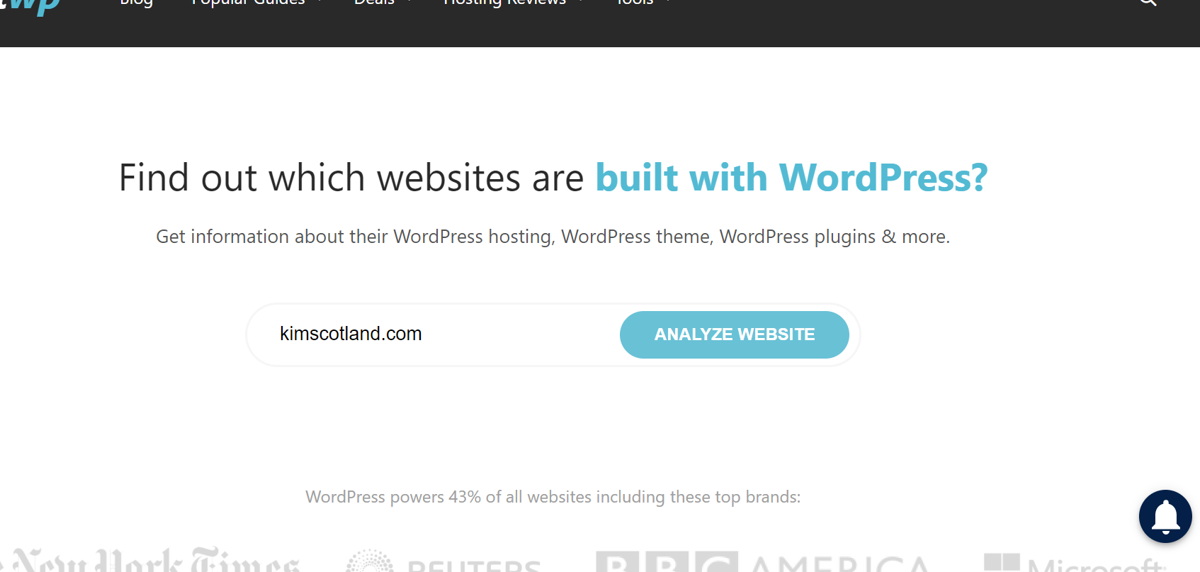
2. Click on Analyze Website
Type the URL of the website you want to analyse into the Analyze Website textbox then click the Analyze Website button.
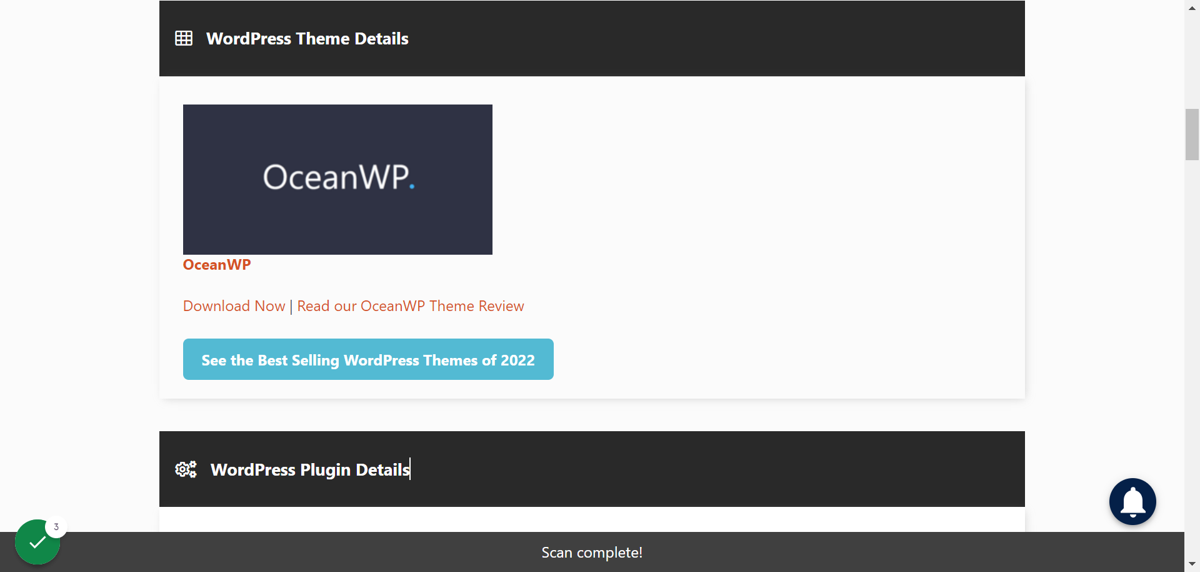
3. When the tool has finished analysing it will show you the theme the site is using.
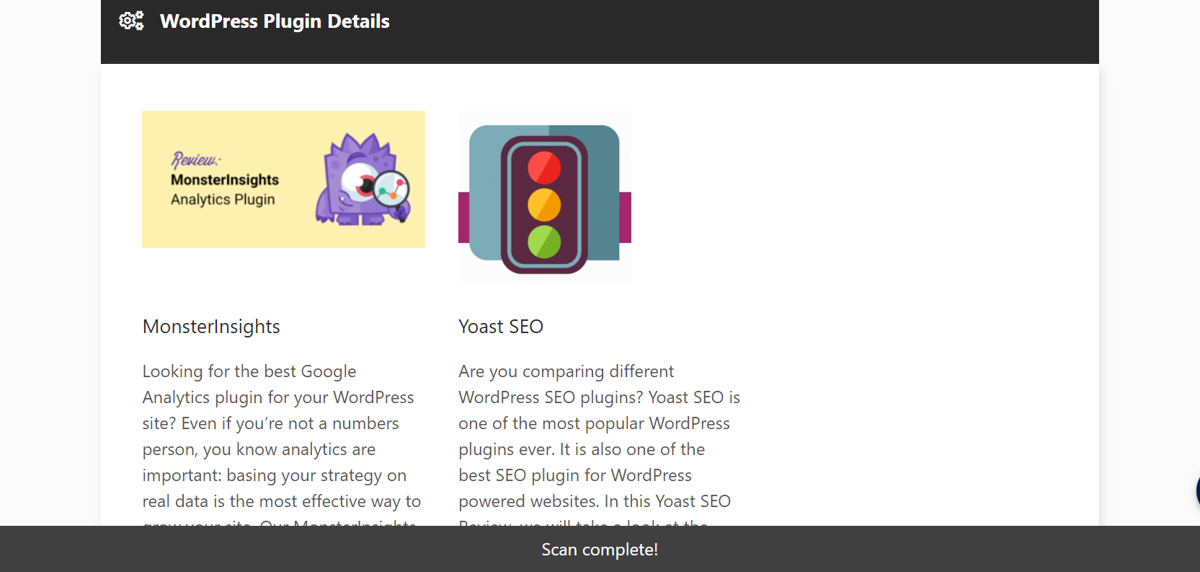
4. Scroll down and it will display any plugins that it was able to detect too.
The Winning Website Starter Kit
Well hello there. I’m looking at YOU, purpose driven, service based, small biz owner because I’ve created The Winning Website Starter Kit with you in mind…
- Are you sick of tech overwhelm?
- Are you done with struggling with ALL the Googling trying to work out where to even begin with a website for your biz?
- Do you wish you could just follow a step by step guide to get you started?
Then hello there! I’ve got you!
I’m sharing the The Winning Website Starter Kit with you!
In this one-of-a-kind guide you’ll learn:
- The exact steps you need to take to create a website from scratch
- How to nail the scary sounding techy bits
- What kind of content do you actually need to include
- Design tips and tricks
Other Theme Checker Tools
There are other theme checker tools including:
- WPBeginner Theme Detector – this one provides you with lots of theme resources which I think is quite useful for beginners.
- WP Theme Detector by Satori – this one was slightly irritating with 2 popups displayed as I used the tool.
- WordPress Theme Detector from Scan WP – this one gives you some info about the URL you scanned including competitors and which keywords this site ranks for.
Check the source code
Right click on the website and click View Source.
Press ctrl + f and type ‘themes’ in the popup that appears.
Once you’ve finished typing you’ll be taken to the first line of code that includes ‘themes’. On this website that first line is:
https://kimscotland.com/wp-content/themes/oceanwp/assets/css/woo/woo-mini-cart.min.css
The part I’m interested in is what comes after themes/ – you can see here that it’s ‘oceanwp’ which is the theme that this site is running. If you Google Ocean WP you’ll be taken to that site where you can download the theme and install it on your website.
What WordPress theme is this site running? Summary
- There are 2 ways to check which WordPress theme a site is running – using a tool or checking the source code
- Using a tool, if the theme it finds exists in it’s database it will give you a direct link to go and download it. If not, it will still give you the theme name for you to Google.
- Beware that some larger sites may have custom themes. If this is the case you won’t be able to find them online to use on your own site.
- My go to tool is IsItWP, but there are several to choose from.
- Checking the source code is straightforward, but you’ll then need to Google to try to find the theme.


You may also enjoy:
WordPress themes for business – your complete guide
How to install a WordPress theme on your website
Everything you need to know about using a WordPress Child Theme